
Gimp or the GNU Image Manipulation Program is a software that enables its user to retouch, edit and manipulate photos or image. Many of our previous posts are into tutorials for Photoshop… To spice things up a bit and to stir the usual offerings, we bring you 40+ Excellent GIMP tutorials . These tutorials are of different variety, so it is advisable to read through the article to ensure that you haven’t missed any useful technique that may help you in your designs. For future reference, you can also bookmark this post just in case you forgot something.
This collection was created in response by the request of our readers. If you are thinking about learning Gimp, read through this tutorial for tips and techniques by avid gimp users. To designers who are already using this type of software, well… you may pick new techniques by browsing through this post. Enjoy!
2014 Update:
For this update, we have added more tutorials that you can try to improve your skills in using GIMP. Enhance your designs and your skills with these free tutorials. Scroll down and check them all out. Come, take a peek, and enjoy learning!
Authentic Vintage Effect
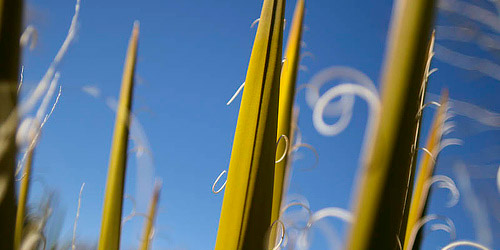
The tutorial teaches you to create the vintage effect in Gimp.
Abstract Wave Effect
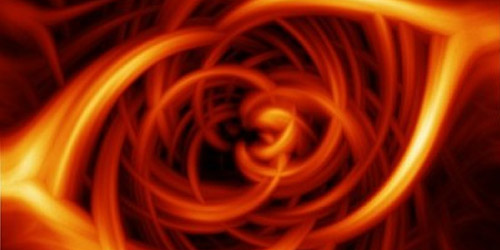
This tutorial illustrates in creating abstract wave effect.
Smelting Text / Creating Blood Text
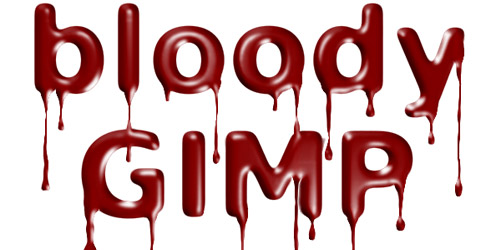
Learn new techniques in creating blood text in this tutorial.
How to Create a Cool Fire Explosion with Gimp
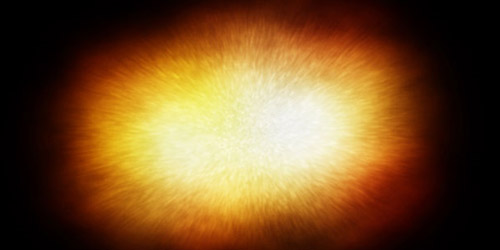
Here’s a tutorial in creating fire explosion with gimp.
Transparent Glass Lettering
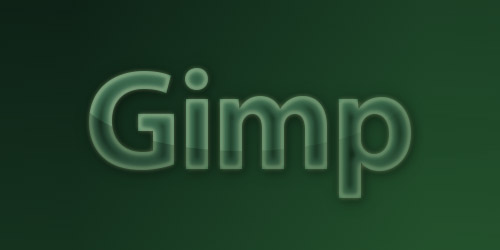
Learn to create glass lettering in Gimp through this tutorial.
Lineart Tutorial for GIMP
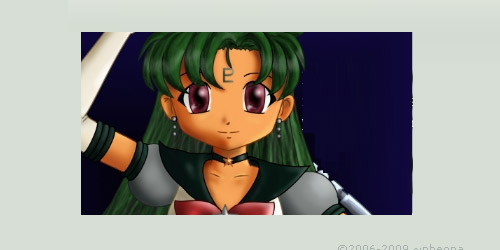
The tutorial is on creating lineart in Gimp.
Gimp Tutorial: Awesome Bokeh Effect in Gimp
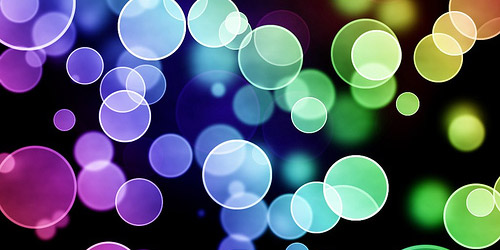
Create bokeh effects in Gimp through this tutorial.
Creative Composition
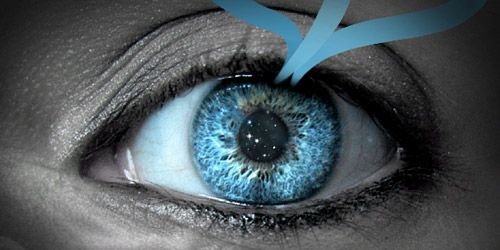
The tutorial is on creating photo-manipulation using an eye stock.
Creating Fireball and Explosion effect in Gimp
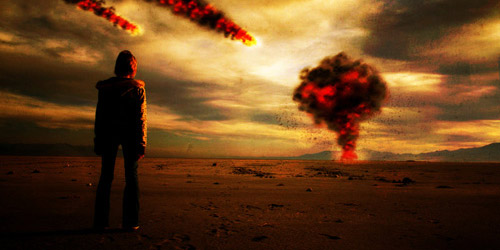
Learn new tips in creating fireball and explosion effects in Gimp.
Make an Extremely Real Letter in GIMP – Based on a Photoshop Tutorial
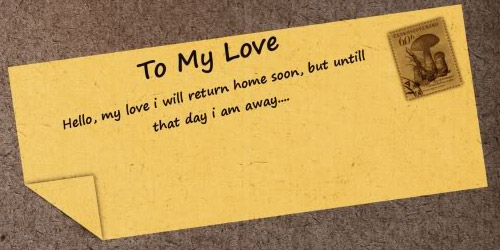
This tutorial is on creating realistic letters in Gimp.
Creating a Vista-like Wallpaper
In this tutorial, a discussion on creating vista-like wallpaper is illustrated.
Gimp Tutorial- Easy Sig
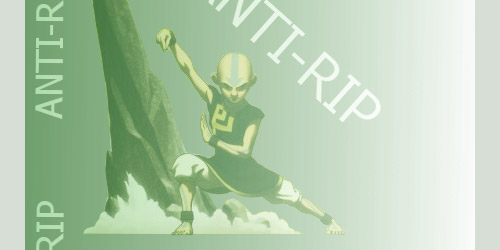
A new set of techniques in gimp tutorial effects are listed below.
Designing iPod Touch in Gimp!
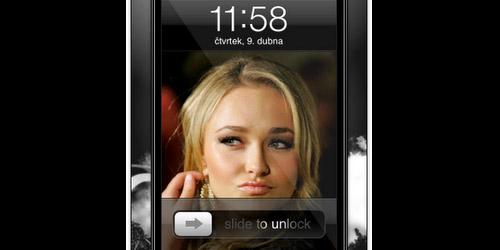
Create your own iPod in Gimp.
Colourful Glowing Text Effect
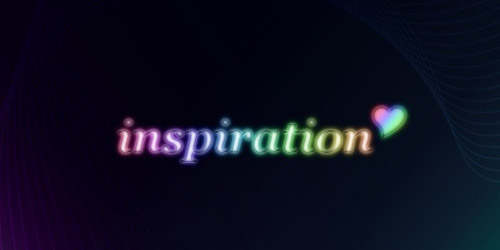
This tutorial is on creating glowing text effects in Gimp.
Cool Circle Light Effect in Gimp
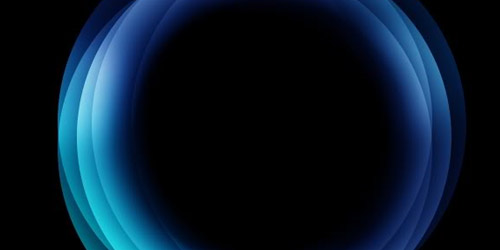
Learn these techniques in creating light effects in Gimp.
Make Your Photo Look Like a Hollywood Movie
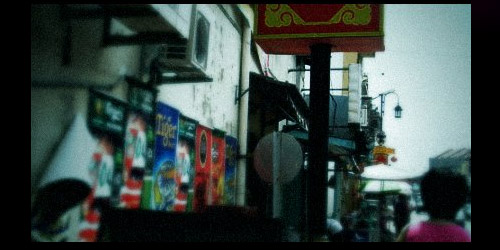
The tutorial is on creating a photo which looks like in a Hollywood setting.
Face in Coin – Sara the Princess
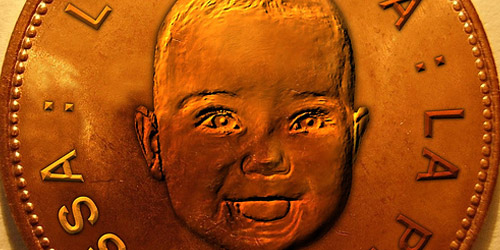
This tutorial illustrates creating a face in a coin using Gimp.
Flame Abstract Tutorial
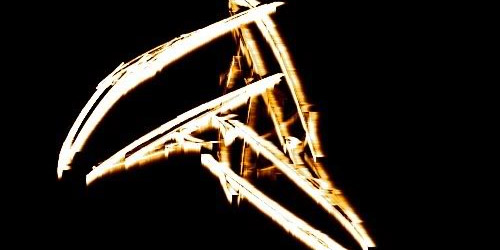
Create a flame abstract through this tutorial.
Glow Effect
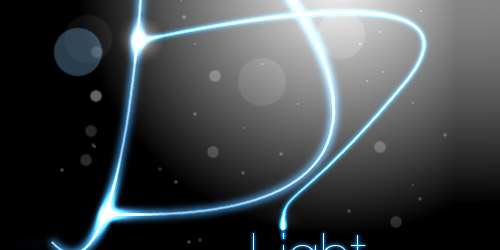
In this tutorial, you will be guided in creating glow effects in Photoshop.
Neon Lights Tutorial
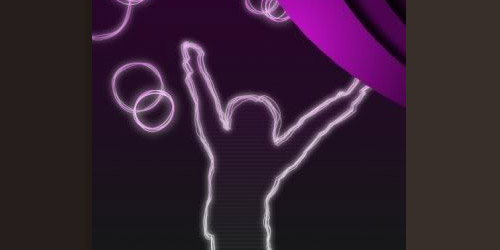
Learn to create neon lights through this tutorial.
Gold Text Effect
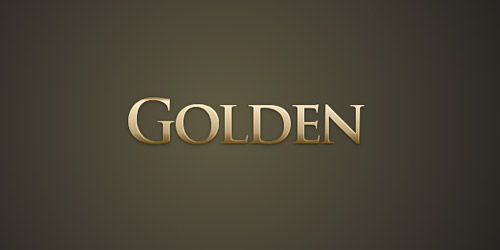
The tutorial will guide you to create gold text effect.
Gimp Tutorial – Soft Shading
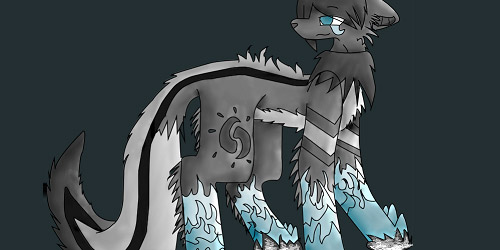
This tutorial discusses on creating soft shades.
Painting A Peacock
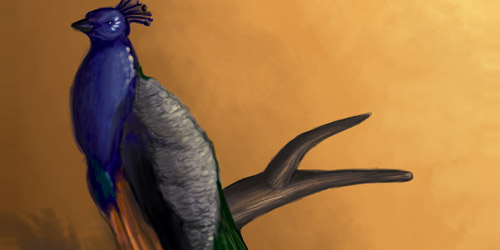
In this tutorial, a peacock is created through Gimp.
Split-toning in GIMP
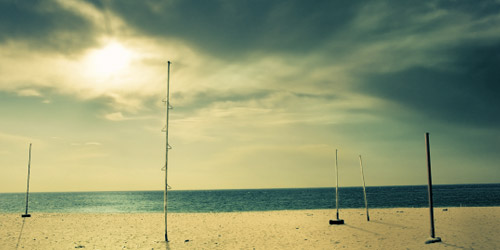
Here is a tutorial on split toning in Gimp.
Mac style Wallpaper
Learn to create mac style wallpaper in Gimp through this tutorial.
Recoloring Eyes for Gimp
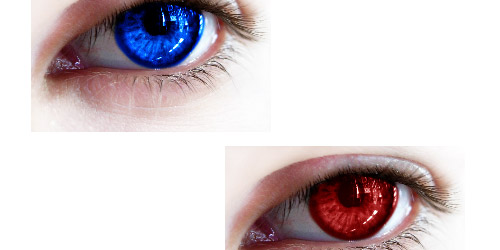
The tutorial is on recoloring the eyes in Gimp.
Gimp Cool Shapes Effect Tutorial
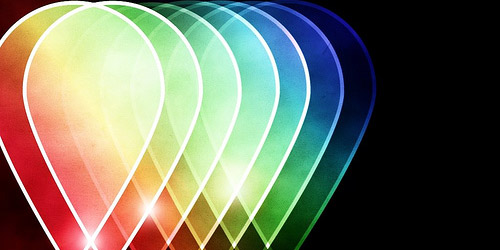
Create various shapes in Gimp through this tutorial.
3D Realistic Looking Rubik’s Cube in Gimp (with video)
Learn to create the rubik’s cube through the techniques in this tutorial.
Contaminated Effect
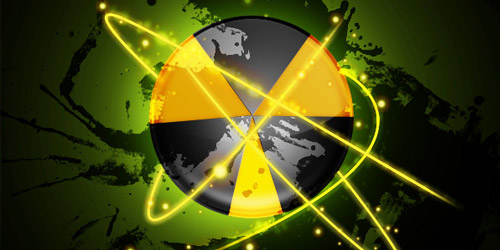
This tutorial is on creating contaminated effect in Gimp.
Vintage look in Gimp
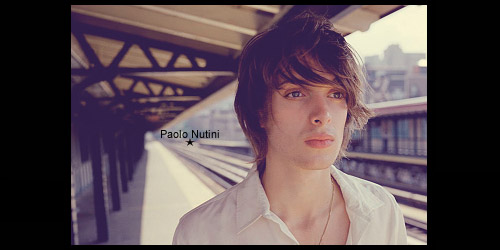
Create your own vintage image in Gimp using this tutorial.
Fun with Light

In this tutorial, an illustration on utilizing light effects in Gimp is discussed.
Leopard’s Aurora Borealis Wallpaper in GIMP
Here is another tutorial in creating wallpapers in Gimp.
Cool Typography Design Poster in Gimp
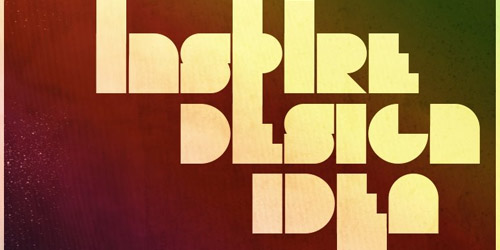
The tutorial illustrates creating typography design in gGmp.
MSNBC Style Effect
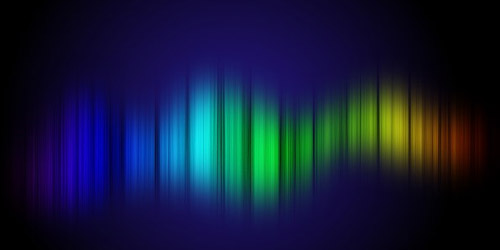
New techniques on creating a different text effect is discussed in this tutorial.
Splash Screen: Create a Colorful Stream of Light with Particles
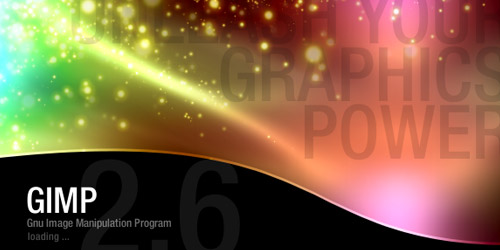
The tutorial is on creating colorful stream of light in Gimp.
The creepy zombie hand of death!
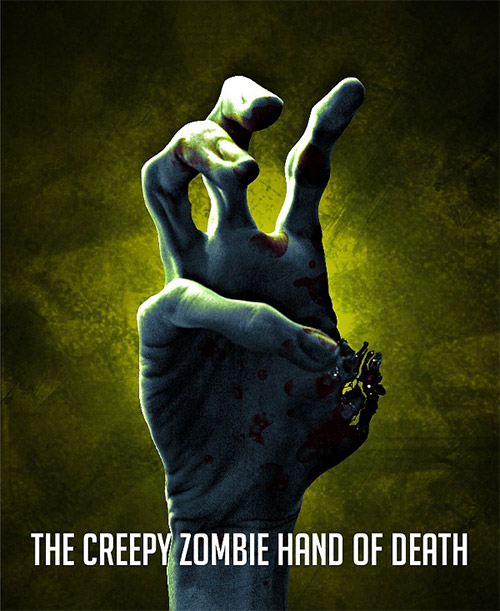
Have your Halloween scare be awesome with this zombie tutorial.
Glow FX extreme
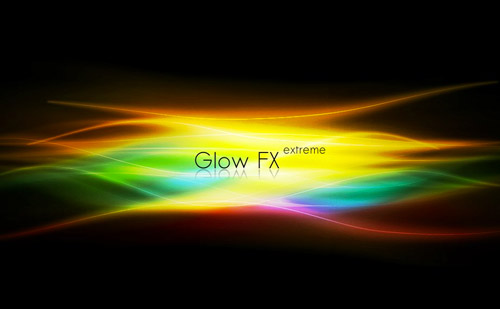
Learn how to crate a glow effect to your design.
Creating a Diorama Effect
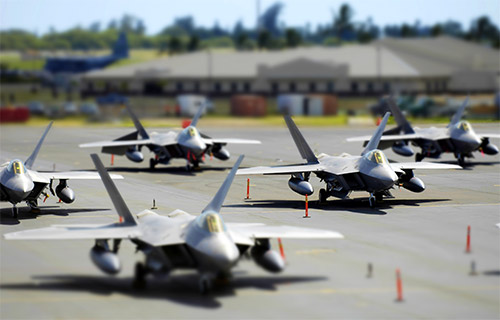
This tut will teach you how to have a diorama effect to your pictures.
Brains Icon
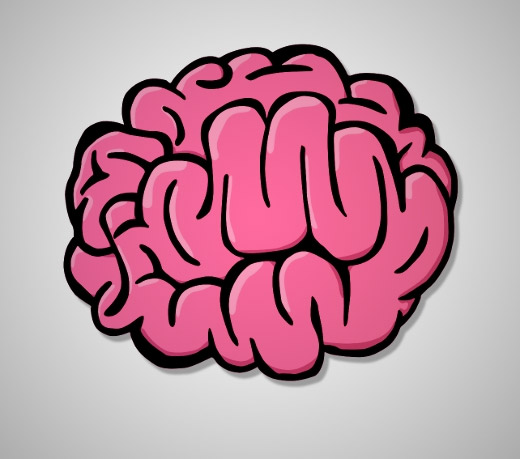
Create your own brain icon with this tutorial.
Make An Extremely Real Letter
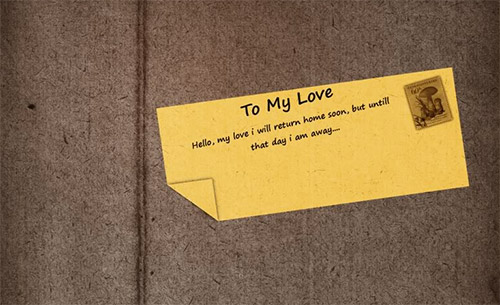
Make a realistic letter by trying this tutorial.
The Ultimate Gimp Planet Tutorial
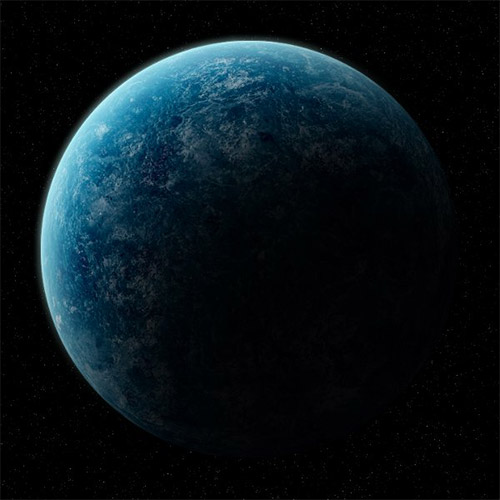
This tutorial will teach you how to create this beautiful planet.
Masking hair with fine strands
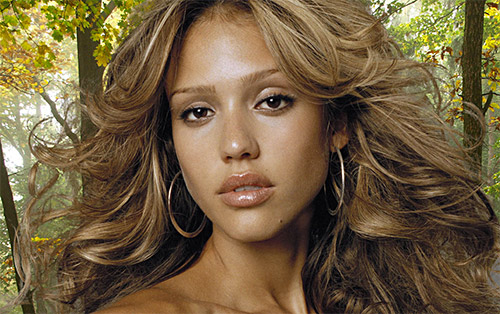
This tutorial is about masking hair strands.
Creative Composition
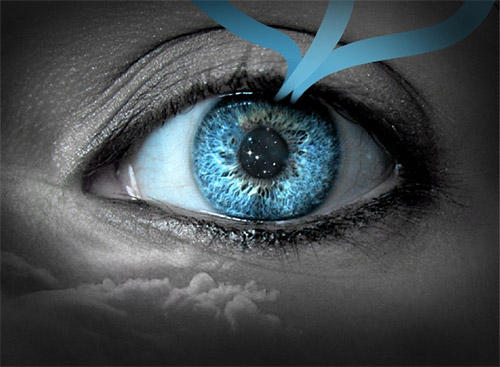
Have your eyes stand out with this tutorial.
Beautiful Parrot Photo Manipulation in Gimp
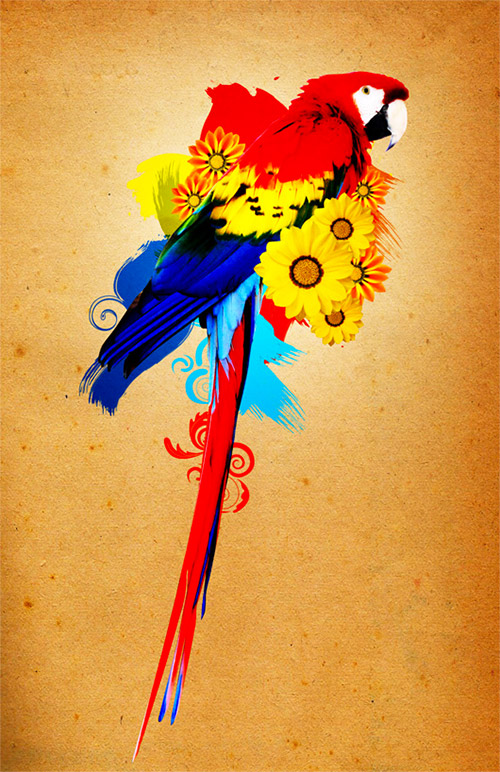
Learn how to make a photo-manipulation through GIMP.




Cool, thanks for listing my tutorials, the abstract wave effect.
Awesome collection of tutorial
Thanks so much for posting it
Keep up good work
God bless you 🙂
you are the Best
Thank you for featuring the Realistic Snow tutorial, it means a lot.
You have a great collection here.
@ David & HullDO
Np. 🙂 it’s worth to be included on the list
Awesome bunch of tutorials with illustration… Great Collection… Some designs here are radical…. I will surely try them… Thanks for sharing…
Thank you for posting this. It is very helpful and a great collection.
Thanks for saving me! I prefer to use GIMP and these tuts are very cool. Thank you!
It is cool tutorial..I will study it one by one…Thanks
Nice one…thanks
Jason
This is one hell of a collection!
Ive never understood why any one would use GIMP over Photoshop, or Illustrator though. You can download either, and theirs more support for Adobe Products.
Great collection none the less.
Simply put, money talks. Why would I spend hundreds of dollars on a photo-editing platform when I can save my money, use a software that has 90% of the capabilities, and put my money in other things to enhance my photo-editing experience?
I’ve used both Gimp and Photoshop extensively, and once you get used to GIMP, there’s little point in investing in Photoshop.
@Jwhite
I agree on what you have just said 🙂 Although Photoshop is more popular than GIMP, their are still people who loves using GIMP:)
“Gimp or the GNU Image Manipulation Program is a software that enables its user to retouch, edit and manipulate photos or image. Many of our previous posts are into tutorials for Photoshop”
Above line describe all the stuff.
I agree with you, these are really good gimp.
GIMP is new and is still undergoing devlopment. I know it has a very less market share as compared to Photoshop but soon it will outrun PS because its free and the team behind GIMP is adding excellent features in every release. I m sure one day the whole web world will be opensource .. 🙂 ..
OMG the best graphics website i have seen in my life.
Best graphics creation tutorial in easy language makes this site awesome. there is no wonder if i will say that its the wonderful graphics heaven.
gimp and it’s community is awesome, thanks !!
@JWhite
umm, using gimp for free is, umm legal, pirating ps is not, as you suggest.
also gimp is super lightweight (in megabytes, not in features) and has a great community always adding the features you request without you need to pay anything. The entire community contributes
while ps is more popular (mostly because of that pirating), gimp has been gaining lots of ground and is coming with a cool new interface soon
anyway my kid just got started in gimp and hes quite happy with it and already following some of these nice tutorials posted here 🙂
Youre so cool! I dont suppose Ive read anything like this before. So nice to seek out any person with some authentic thoughts on this subject. realy thanks for starting this up. this website is something that is needed on the net, someone with a bit originality. useful job for bringing something new to the web!
Nice!! ;D