

Icons are essential component of an efficient as well as appealing website design. A proper utilization of icons will let you obtain an impressive and reliable website design appearance into your visitor’s eyes. Majority of the icons are in smaller sizes, very intricate and sometimes it is usually not easy to make the excellent ones. For you to uncover plenty of helpful and up-to-date methods to create sleek icon designs in Photoshop, we are showcasing right now some brilliant tutorials that are really worth reading.
Here are the 26 Photoshop Tutorials on How to Make Icons. These tutorials will help you a lot to fully grasp the expertise pertaining to designing awesome icons in Photoshop. If you are planning to make an eye-catching design for your website and content, then you better browse and try these tutorials.
You may want to take a look at the following related articles:
- Photoshop Web Design Tutorials
- Buttons and Badges Photoshop Tutorials
- Latest Photoshop Poster Tutorials
How to Make a Siri Icon in Photoshop

In this tutorial, you will go through the process of creating a Siri icon.
Create a Mobile App Icon in Photoshop
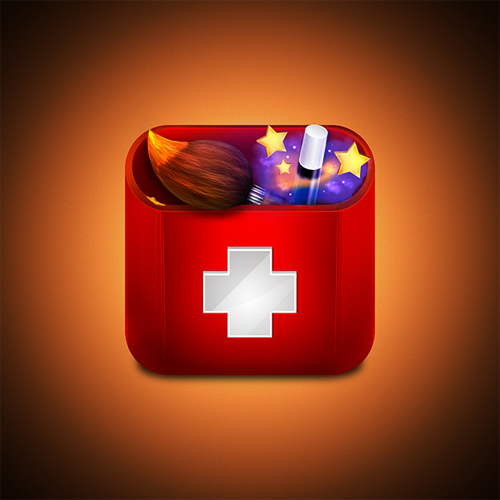
This tutorial will show you how to design an icon for your mobile device’s home screen.
How to Create a Process Icon

This tutorial will demonstrate how to create a process icon using layer styles, dodge and burn tool.
How To Draw a Vintage Polaroid Camera Icon
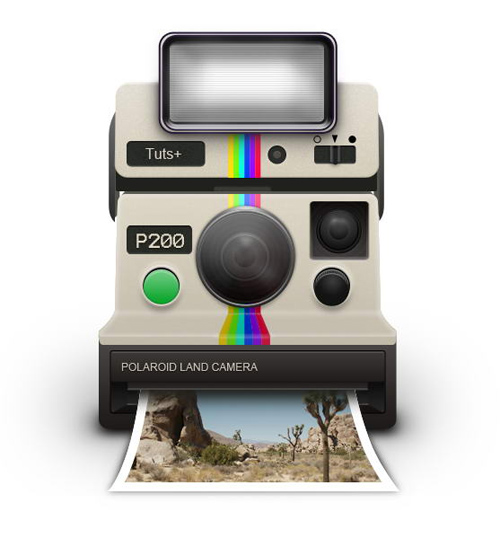
In this tutorial, you will be using a lot of layer styles and draw manually with the brush tool to create a Polaroid camera icon.
How to Create a Location Map Icon in Photoshop
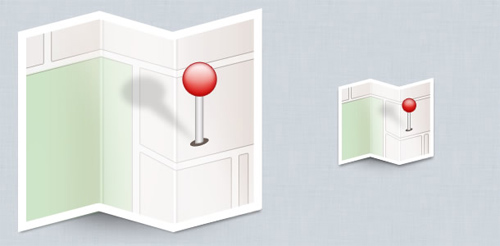
In this tutorial, you will learn how to create a modern map with dropped pin icon.
Create a Futuristic Bicycle Icon in Photoshop
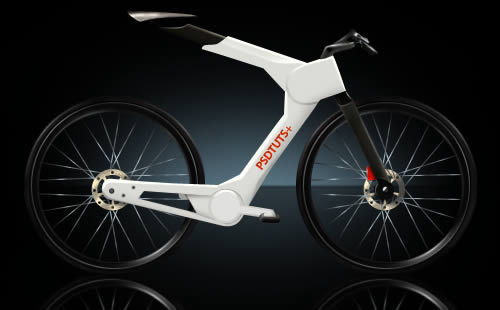
This tutorial will teach you how to create a futuristic bicycle icon from scratch using some basic Photoshop tools.
Create an Evil 3D Monkey Icon in Photoshop

In this tutorial, you will add texture and lighting to create a detailed 3D monkey icon using a photo of a toy monkey as a reference.
Create an Open Book Icon In Photoshop

This tutorial will demontrate the techniques used to create an open book icon in Photoshop.
How To Design a Realistic Takeout Coffee Icon

This tutorial will show you the process of the process of creating the takeout coffee cup from start to finish, exploring a wide variety of techniques in Photoshop that can be applied to almost any type of design and drawing.
Create a Detailed Camera Icon in Photoshop
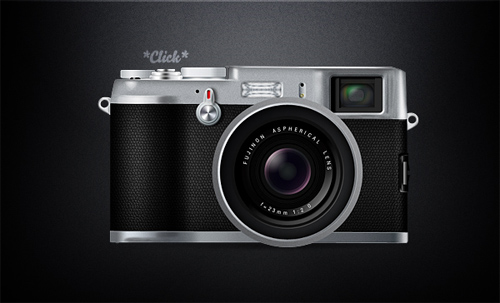
This tutorial will walk you through the process of creating a detailed Fuji X100 camera icon in Photoshop.
Create a Sweet Donut Icon in Photoshop from Scratch

In this tutorial, you will learn how to make a sweet and tasty donut icon from an initial sketch.
Create a Download Folder Icon in Photoshop
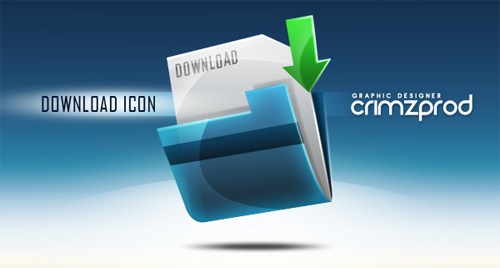
This tutorial will demonstrate the techniques on how to create a download folder icon using different shapes and reflections in Photoshop.
Create a Star Trek Style Communicator in Photoshop
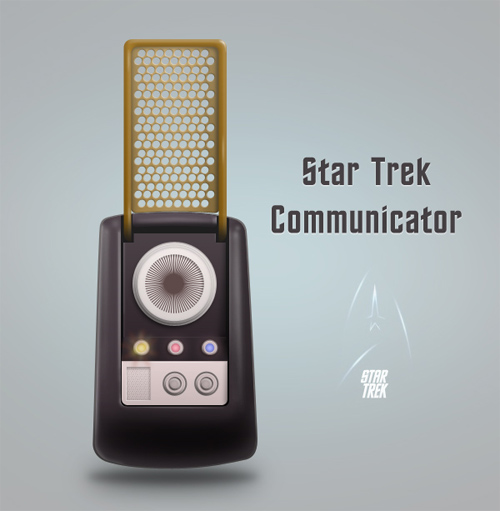
In this tutorial, you will combine layer styles and lots of manual drawing to create a retro Star Trek style communicator, a voice communication device used in the original Star Trek series.
Industrial Folder Style Icon
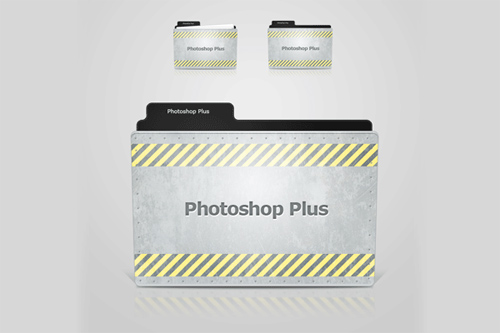
In this tutorial, you will learn the process of creating an industrial style folder icon.
Carbon Fibre Style Metallic Icon Design

In this tutorial, you will walk through the process of creating a metallic carbon fibre 3D icon.
Learn How To Create A Photoshop Style Pen Tool Icon
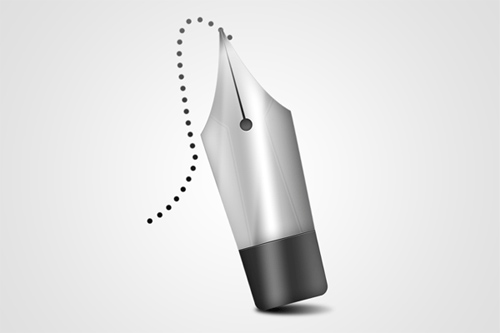
In this tutorial, you will learn how to make your very own photoshop pen tool icon from scratch, using photoshop CS5.
Learn To Create A Padlock Icon In Adobe Photoshop

In this tutorial, you will learn the step-by-step process on how to create a realistic padlock icon in adobe photoshop.
Create a Leatherback Book Icon in Photoshop

In this tutorial, you will learn how to draw a book and apply textures and layer styles in order to create a leatherback book design in Photoshop.
Create a Mac Style Home Icon in Photoshop

In this tutorial, you will learn the techniques of making shape and playing with layer style to create a mac style home icon with Photoshop.
How to Draw a Shopping Bag Icon in Photoshop

This tutorial will cover the basic techniques of drawing such as creating the shape, shading, and adding shadows to create a red shopping bag icon.
Draw a Realistic Steam Iron in Photoshop

In this tutorial, you will learn how to create realistic shadows & highlights on plastic and metal to come up with a realistic Steam Iron.
Create a Diana Mini LOMO Camera Icon in Photoshop
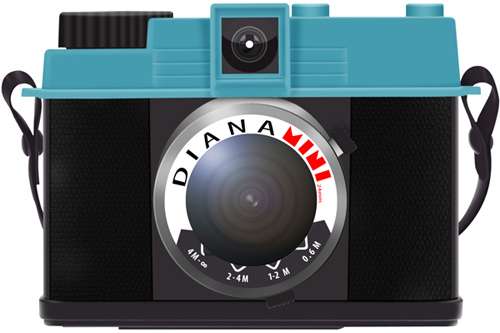
In this tutorial, you will learn many drawing techniques such as creating a leather texture, adding reflection to glass, shading, and more to create a LOMO camera icon.
Radar Icon in Photoshop
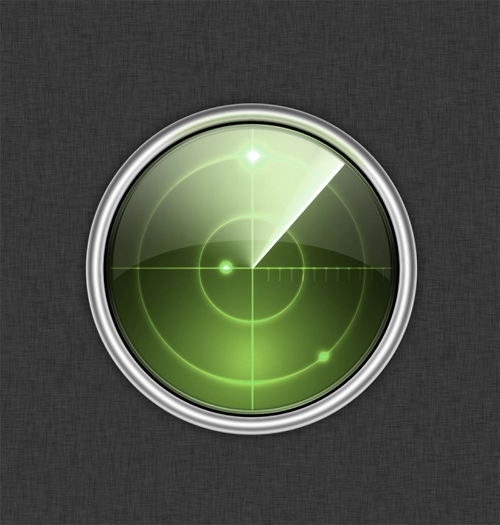
In this tutorial, you will learn the detailed steps on how to create a Mac style radar icon in Photoshop.
How To Draw Apple ICloud Icon

This tutorial will teach you how to create an icloud icon.
Create an Elegant/Vintage Compass Icon in Photoshop

In this tutorial, you will learn how to create an elegant and antique compass icon in Photoshop.
Design a Detailed Audio Receiver Icon in Photoshop

In this tutorial, you will learn several tips and techniques on how to create a detailed audio receiver icon using Photoshop’s vector editing capabilities.
We do hope you have fun with those tutorials and find them very helpful. If you want to learn some other tutorials, just fill in the comment box below and tell us the topic you are interested in.





very nice post, helps a lot for people who are newbies in photoshop! 🙂
i always wanted to learn more about photoshop, thanks for this! >_<
happy to visit your site, wew -_-‘ hopefully i can learn more about how to use photoshop.
great help!! more post please with regards to photoshop..
3d effects in photoshop was the one i’ve been looking, thanks to this! X)
Wow! New learning! Thanks for sharin’!
I’d wanna try this: Create a Mobile App Icon in Photoshop 😉
Thanks!
New stuff to learn! thanks for these
I got cool ones to study on! thank you for sharin’ this post
I’ll try this one: How To Draw Apple ICloud Icon! thanks for posting!
Time to keep myself busy learning these stuff! thanks for sharing you guys
Hi, thanks for reviewing my tutorial.. home icon.. 🙂