

May it is for pleasure or for acquiring more knowledge, magazines are considered to be one of the most commonly found items at home, at reception areas, malls, and other establishments. They are what we call as novelties that most people can’t get enough of. If you’re one of those fans of magazines and is thinking of creating a one, well, we have something for you! These Magazine Templates will be your key to establishing your own magazine. The templates are premium, so quality is 100% assured. The features are listed below so it may enlighten you with that it offers.
Another set of 25 Premium Magazine Templates from GraphicRiver is compiled in this next post for writers and publishers out there! Check out what’s in and what’s not with the lates templates in the web. Enjoy browsing!!!
Indonez Magazine Template

Features:
• 20 pages
• A4 size 297×210mm
• Bleed 3 mm
• Print ready
• Master pages
Multipurpose 40 Page Magazine A4 Letter
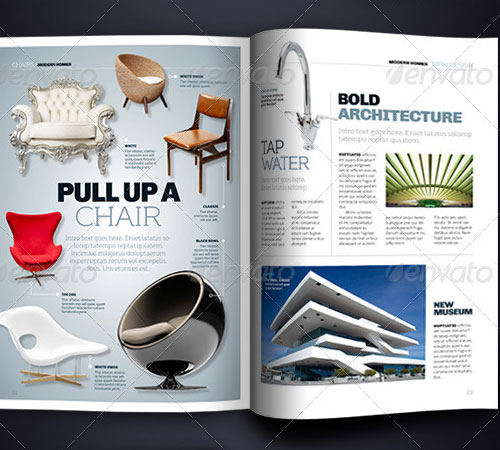
Features:
• 40 pages, A4
• 40 pages, Letter
• 3 different covers
• Automatic page numbering
• Paragraph styles
Extra Time Magazine Template

Features:
• 18 pages
• A4 size 297×210mm
• Bleed 3 mm
• Print ready
• Master pages.
Why Not Magazine
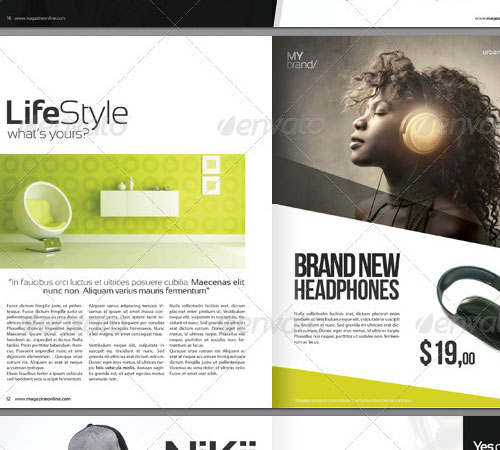
Features:
• 20 pages
• 2 sizes included: Letter (8.5×11 inches) and A4 (8.27×11.69 inches)
• Bleed 3 mm
• Print ready
• Master pages
Magazine Bundle Volume 1
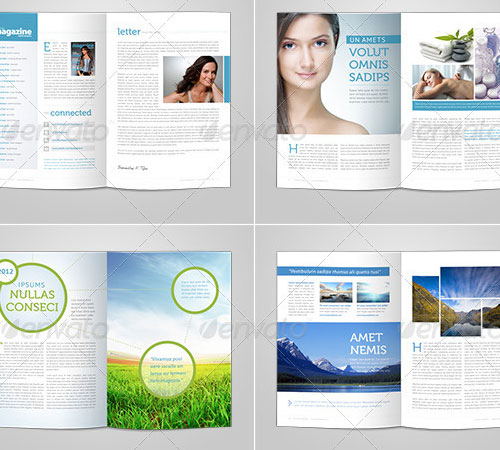
Features:
• Graphics Files Included: InDesign INDD.
• Minimum Adobe CS Version: CS3.
• Print Dimensions: 8.27×11.69.
Go Creativity Magazine
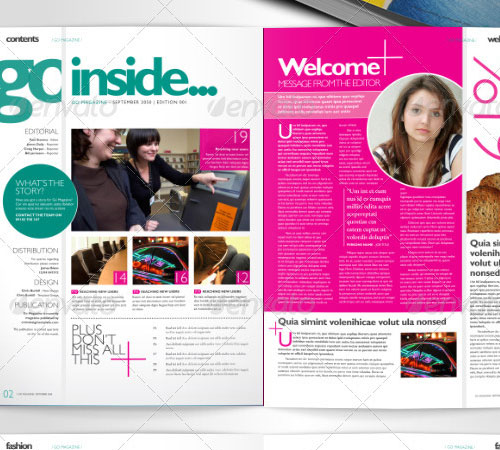
Features:
• Contents page
• Editors message
• Contact information
• Events calendar
• Multiple professional quality page designs
50 Page Magazine Newsletter 3 Bonus Covers
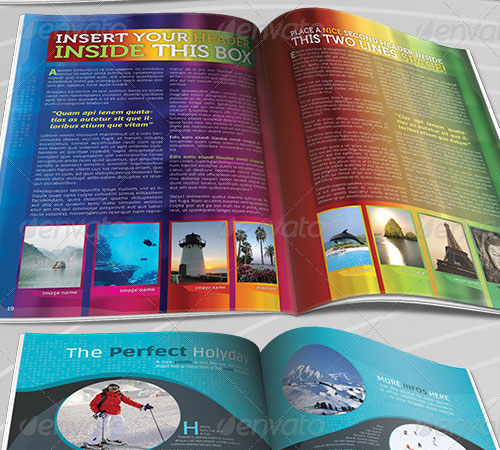
Features:
•Graphics Files Included: Photoshop PSD, JPG Image, InDesign INDD, TIFF Image.
• Minimum Adobe CS Version: CS4.
• Print Dimensions 8.27×11.69.
Magazine Bundle
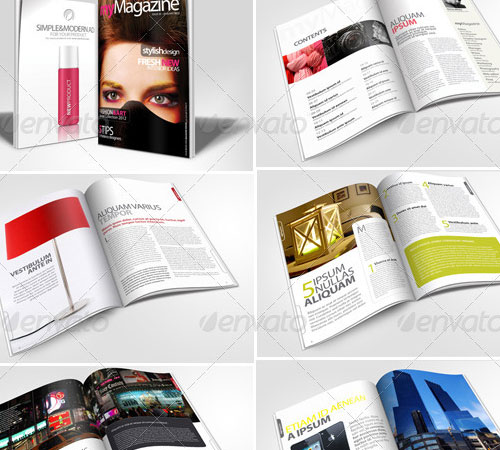
Features:
• A4 size 297×210mm
• Bleed 3 mm
• Print ready
• Master pages
• Automatic page numbering
Professional Magazine
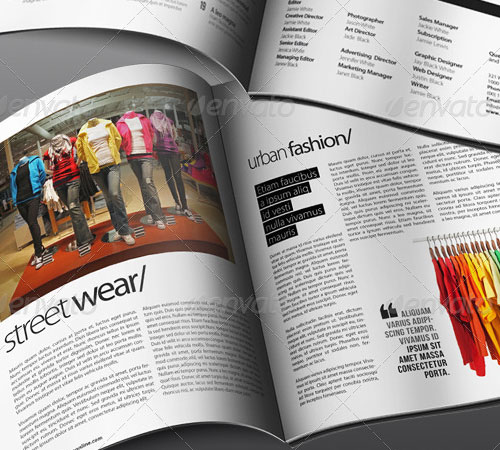
Features:
• 20 pages
• 2 sizes included: Letter (8.5×11 inches) and A4 (8.27×11.69 inches)
• Bleed 3 mm
• Print ready
• Master pages
24 Pages Magazine Template in A4 Format
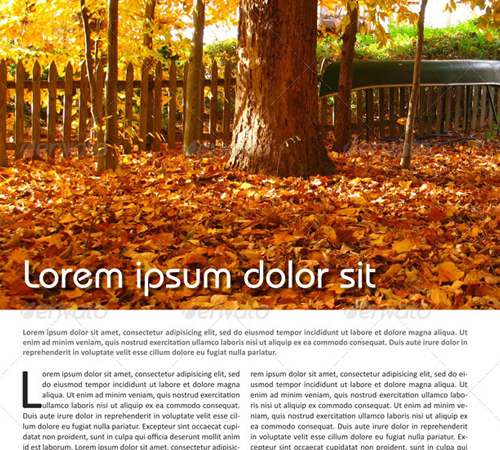
Features:
• 24 fully editable pages
• Double page layout
• Master pages and automatic page numbering
• A4 Format (210×297mm or 8.27×11.69)
• All colors in CMYK (text and objects)
Lifestyle Magazine
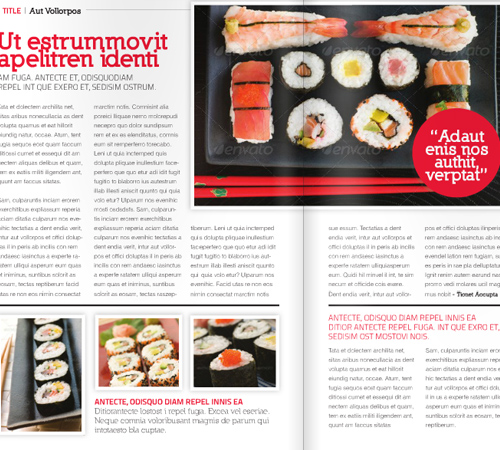
Features:
• A4 page size (with bleed 3mm)
• CMYK @ 300 DPI – Print-ready
• Carefully Layered File
• Customize any colour
• 2 facing pages master styles
Indesign Magazine Sphere
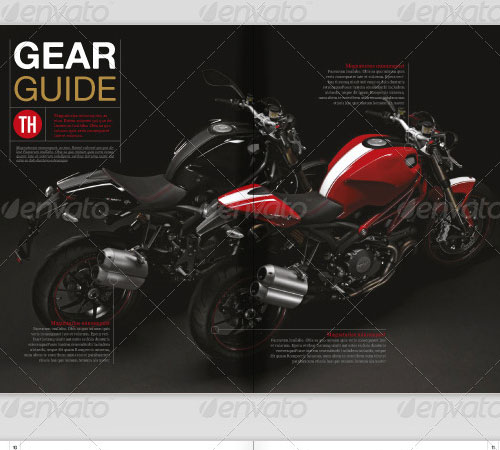
Features:
• 40 Pages, 210×297 mm (Format A4), CMYK Color Mode
• Designed with Baseline grid in mind
• InDesign Compatibile Files (from CS3 to CS5 .5)
• Ordered and Named Paragraph Styles
• Color Swathes in order to have streamlined editing
Modern Magazine Template A4 Happy News

Features:
• 16 fully editable pages
• Double page layout
• 5 mm bleeds
• Master pages and automatic page numbering
• A4 Format (210×297mm or 8.27×11.69)
Myour Magazine Design Template
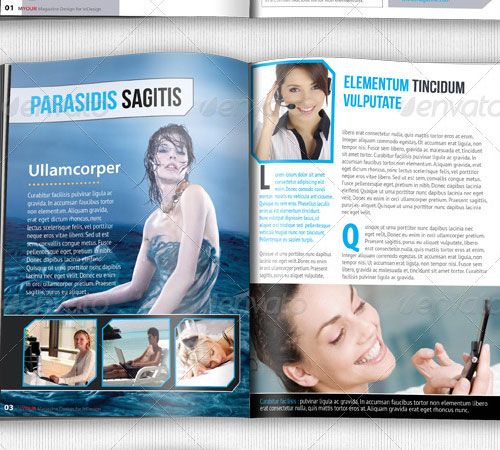
Features:
• 20 pages
• A4 size 297×210mm
• Bleed 3 mm
• Print ready
• Master pages
Professional Design Magazine Template

Features:
• 24 pages
• A4 size 297×210mm
• Bleed 3 mm
• Print ready
• Master pages
4x Magazine Cover Bundle Vol1
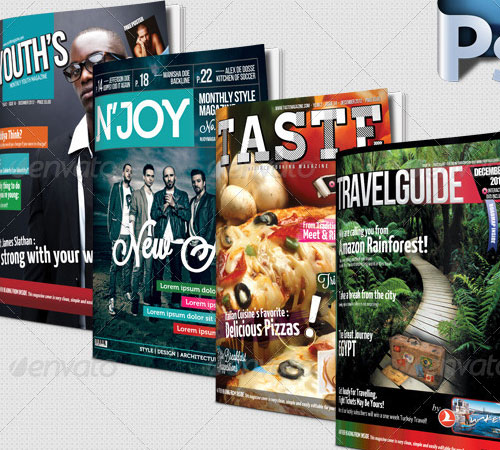
Features:
• 4 Unique Magazine Covers
• Fully Editable
• Full Layered
• A4 International Paper Size
• High Resolution
TClean Green Magazine Brochure 20 Pages
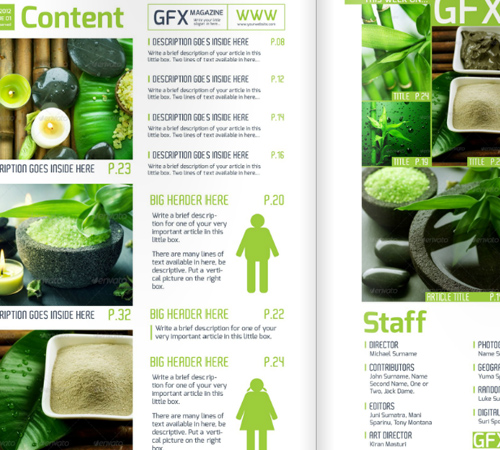
Features:
• Graphics Files Included: Transparent PNG, JPG Image, InDesign INDD.
• Minimum Adobe CS Version: CS4.
• Print Dimensions: 8.27×11.69.
Modern Magazine
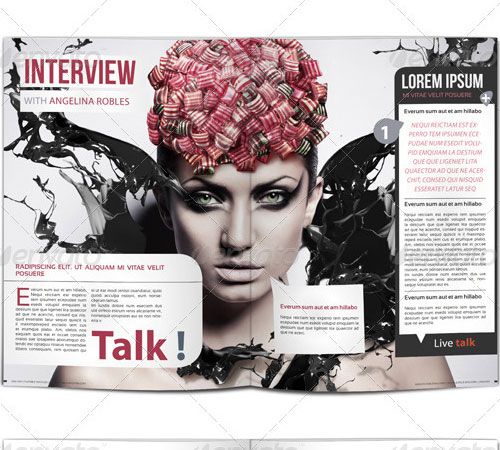
Features:
• Ready to print, easy to edit
• Text aligned to grid
• CMYK and ready to print
• Easily replace the images with your own.
Sleek Indesign Tech Magazine Template

Features:
• Graphics Files Included: InDesign INDD.
• Minimum Adobe CS Version: CS4.
• Print Dimensions: 8.3×11.7.
Modern Magazine 36 Pages
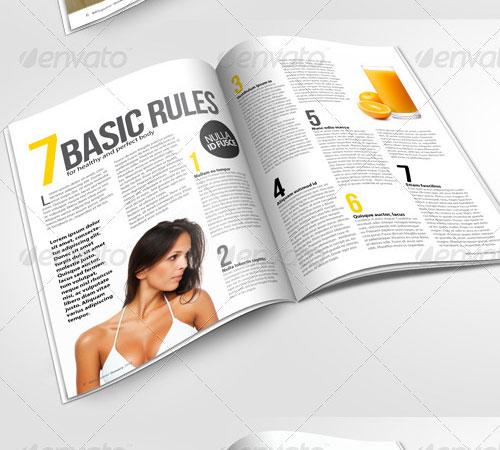
Features:
• 36 pages
• A4 size 297×210mm
• Bleed 3 mm
• Print ready
• Master pages
Video Game Magazine Template
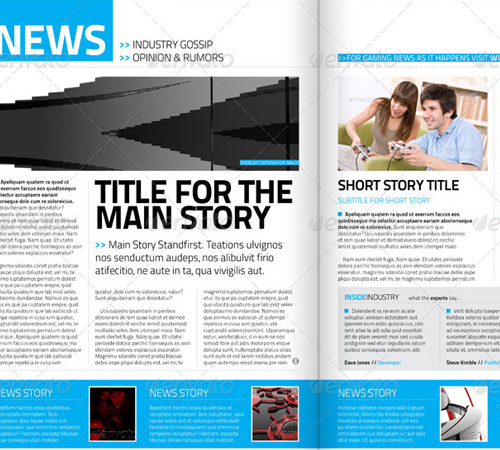
Features:
• A4 Format (210×297 mm) (8.27×11.7 ins)
• 300 dpi / CMYK
• Baseline Grid
• Perfectly Aligned Typography
• Grids and Guides
Full Magazine Bundle
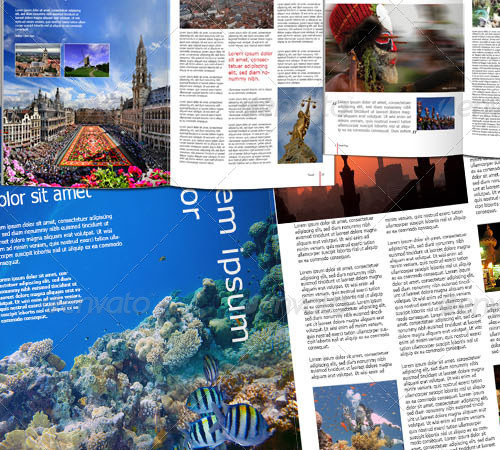
Features:
• 96 pages
• CMYK
• 22×28 cm size (with 3mm Bleeds)
• indesign CS3, CS4 and CS compability
• fully editable and print ready
Magazine 24 Pages Indesign Template
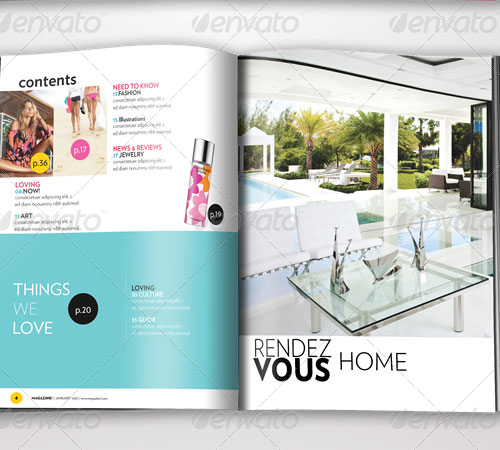
Features:
• 300 DPI
• CMYK
• Print ready
• 24 pages included
• Automatic page numbering
40 Pages Magazine 2
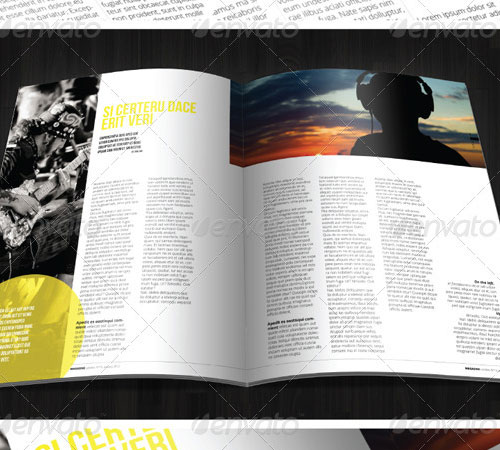
Features:
• Graphics Files Included: InDesign INDD.
• Minimum Adobe CS Version: CS4.
• Print Dimensions: 9×11.8.
Magazine Template Bundle
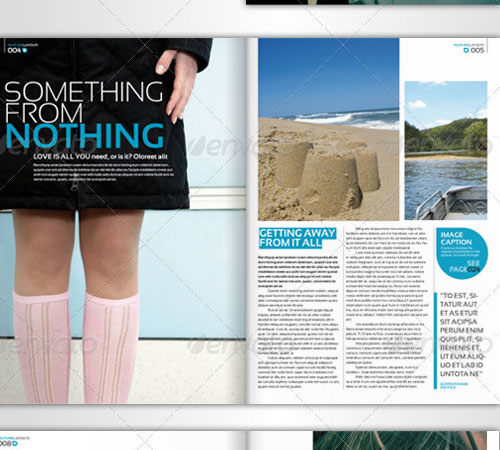
Features:
• Graphics Files Included: InDesign INDD.
• Minimum Adobe CS Version: CS3.
• Print Dimensions: 8.3×11.7.
Craving for more templates? Stay updated with the latest premium templates here!




Nice collection.