
Graphic designers, web masters and web designers are busy people who would spend most of their time facing their computers in order to do some work or monitor their sites. There is always tons of work to do every day in order to make sure that things will be okay. With the long list of things to do, it would be a big help to have some iPad applications to aid you to be more productive in your work and be able to manage your work well.
Even if you are not in your workplace, you will still be able to do some tasks and not waste your time by using certain iPad apps. There are so many productivity apps that you can use depending on what you need. Today, we will share to you 40 iPad Productivity Apps wherein 15 of them are free to download. Browse now and select which ones are vital for you.
Simplenote
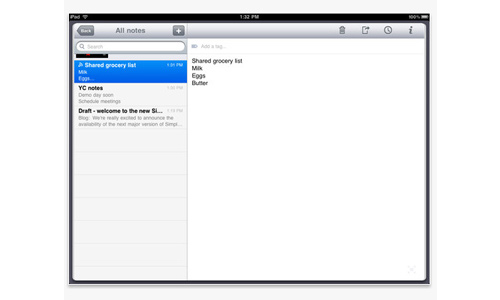
From the name itself, it is indeed simple. You can take notes as many as you can in plain text and sync them to the cloud via web app.
Download Source
Evernote
Evernote is a digital note-taking tool that makes your work much easier.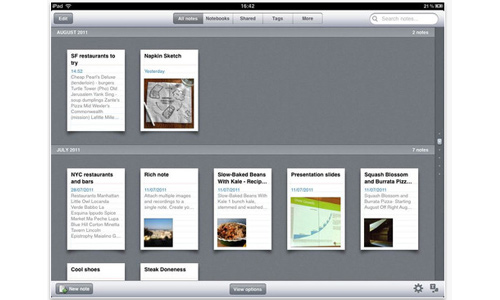
Download Source
Sticky
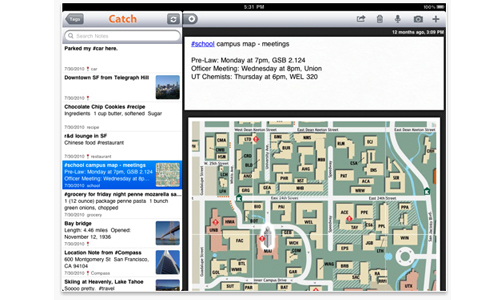
Catch Notes have features like tagging and hash-linking for your notes. This will surely be a good partner for your work.
Download Source
Dropbox
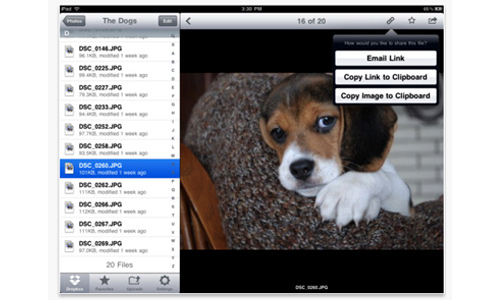
You will have a better way of storing your files through Dropbox. It gives you previews of your documents, media and photos.
Download Source
Fuze Meeting HD
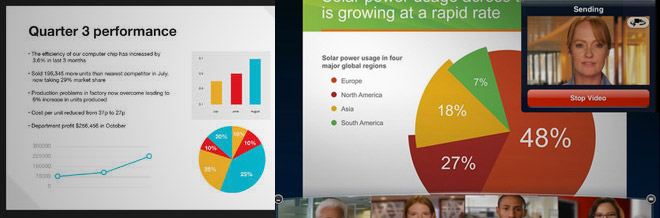
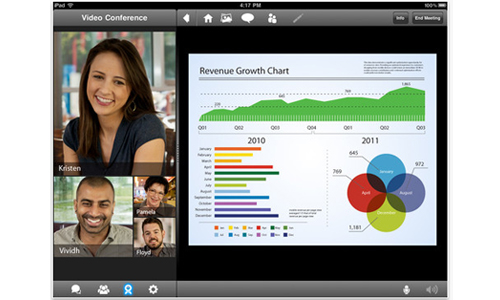
Wherever you are, you can attend meetings through video conference and you can even invite others to join you. You can also run multimedia presentations for it is compatible with PDFs, videos, images, MS Office and Apple iWork apps.
Download Source
Roambi-Visualizer
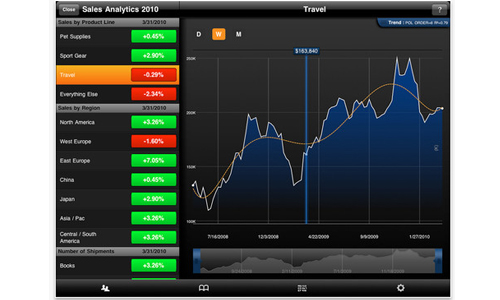
You can turn your data into interactive visual charts from excel, Google Docs and others.
Download Source
TaskPad
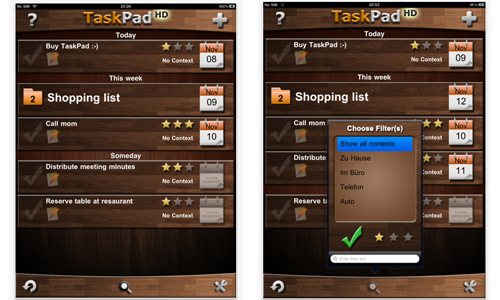
You can automatically synchronize tasks across devices and manage it using any browser. It also has a good user interface.
Download Source
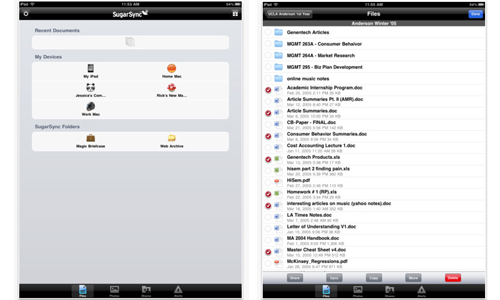
SugarSync
With SugarSync, you can view, save and edit your files and photos. You could also stream music and share files with others.
Download Source
Dragon Dictation
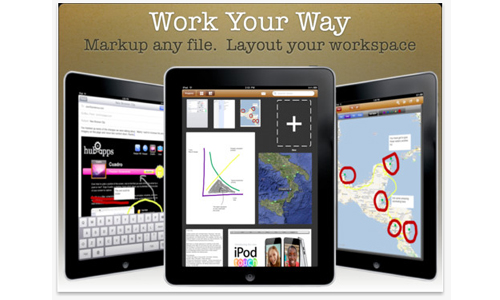
This app enables you to create projects with notes, drawings, and much more. It is a great tool for productivity.
Download Source
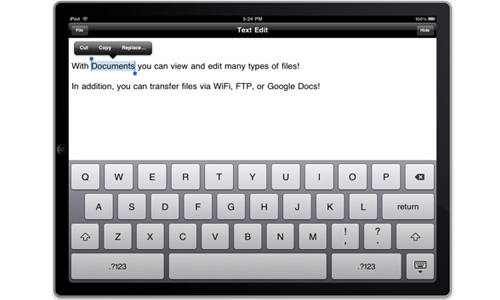
Documents 2
Like your desktop computer, you can use this to access files and create one when you are in mobile.
Download Source
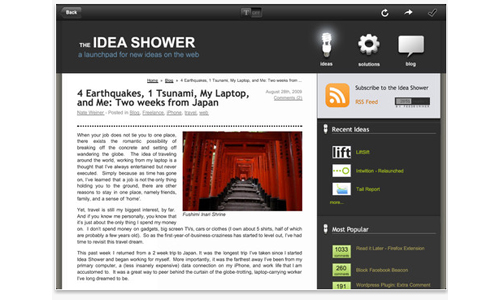
If you find an interesting page in the web, you can save it and read later even without an internet connection.
Download Source
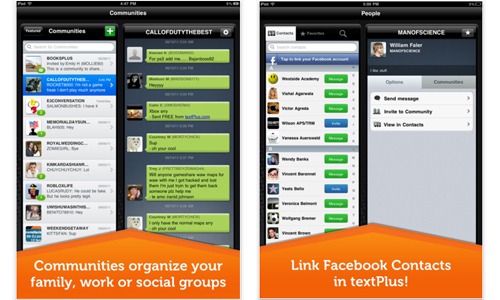
TextPlus
Work would certainly be a lot easier for you can communicate with other people using Text Plus.
Download Source
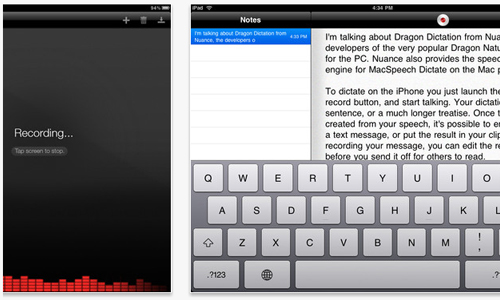
Dragon Dictation
Tired of taking down notes? You can merely record it and you will be given an accurate transcription that can be emailed and saved for future use.
Download Source
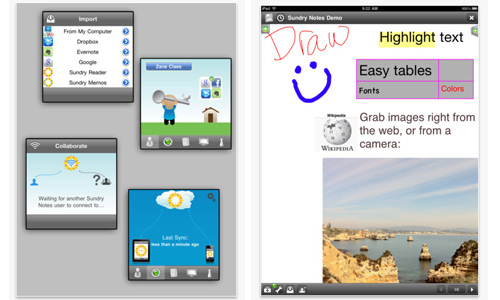
Remember The Milk
You can write, draw, record and do lots of things including the ability to export PDfs and send emails.
Download Source
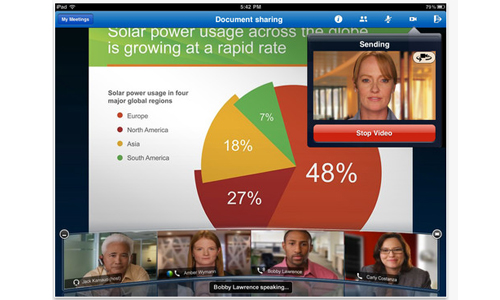
WebEx
Participate meetings online and be able to share presentations with WebEx.
Download Source
Mindjet Maps
Supporting iOS5, this app can help you save anything that you want to and even has reminders for you.
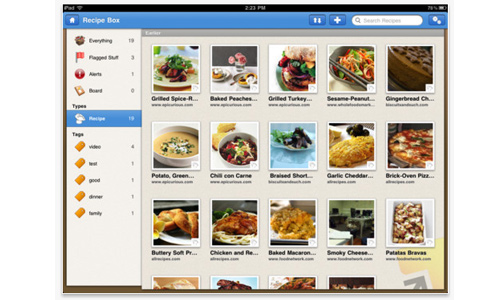 Download Source
Things 3
Many people love using this app for it is very convenient and worth it for the workflow.
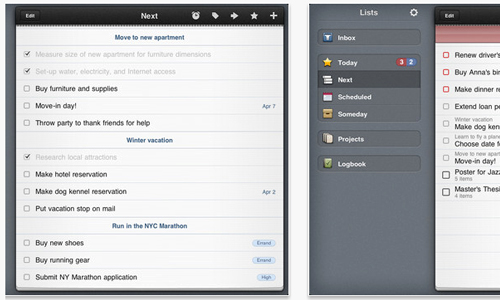
Download Source
OmniFocus
You can easily manage anything for your work with OmniFocus with location-aware list, flexible viewing options and on-the-fly task entry with voice notes and image attachments.
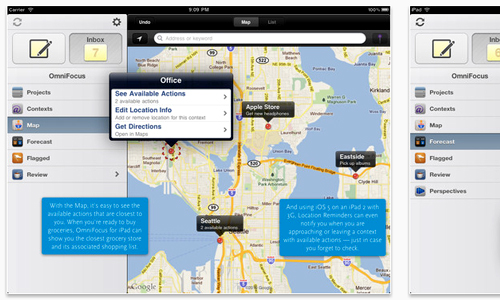
Download Source
Informant 5
You can easily organize your action lists and calendars in Pocket Informant in a way that you will love.
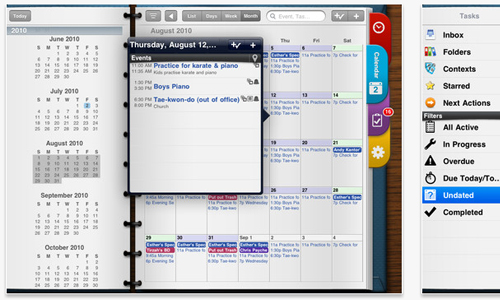
Download Source
Pages
A great word processor that works well with iCloud where you can create, edit and save documents.
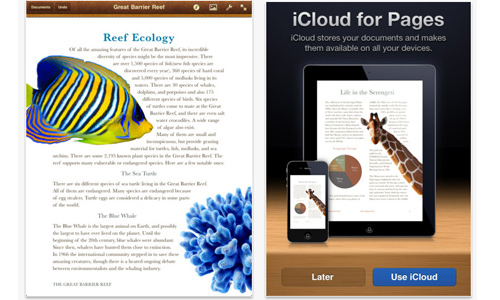
Download Source
Numbers
The most innovative spreadsheet app that allows you to store your documents.
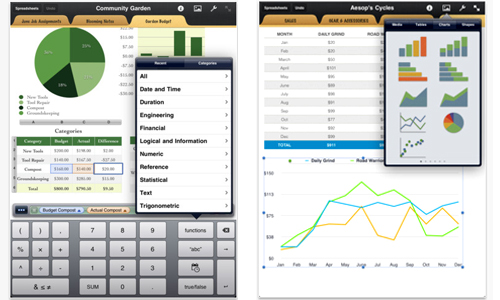
Download Source
Keynote
Presentations are a lot easier using this app.
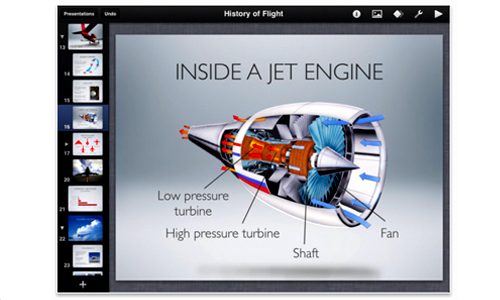
Download Source
Documents to Go
This can help you a lot in creating documents even when you are away from a desktop or a laptop.
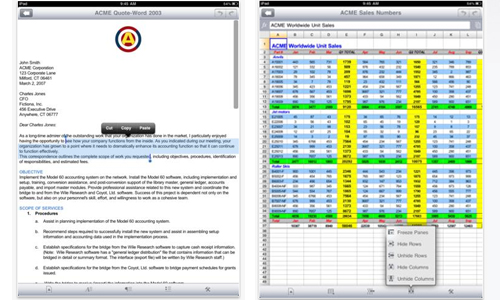
Download Source
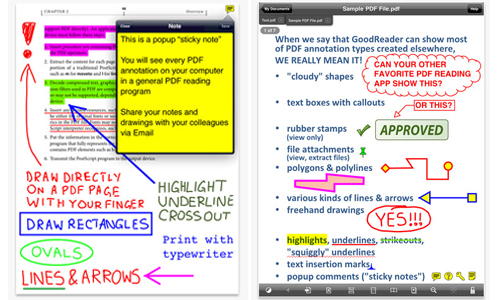
GoodReader
An application that reads PDF files and also allows you to place some highlights, underlines, drawings and others on the said file.
Download Source
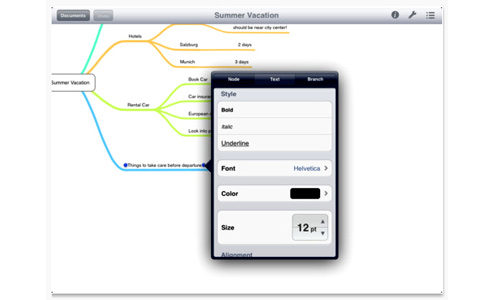
MindNode
Collect, organize and outline your ideas through mind maps using MindNode.
Download Source
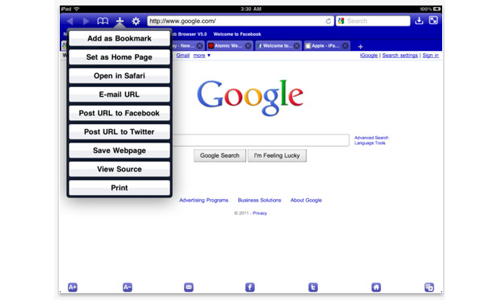
Dolphin Web Browser
A fullscreen browser that can aid you whenever you want to check your site.
Download Source
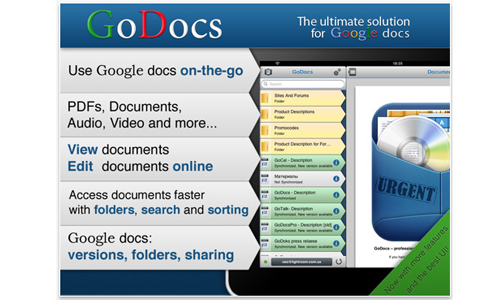
GoDocs for Google Docs
Another app that gives you easier and faster access to documents, PDFs, Videos and a lot more.
Download Source
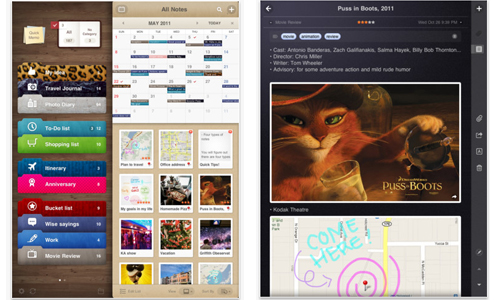
Awesome Notes
Instead of sticky notes that flung, you can make use of Awesome Notes with color coded notes placed in folders.
Download Source
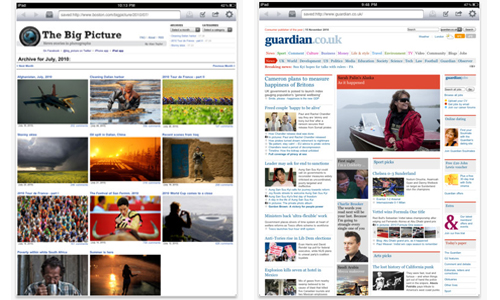
Offline Pages
If you want to read some interesting articles from the internet while you are offline, do that with Offline Pages.
Download Source
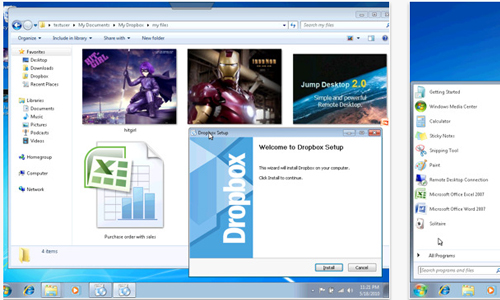
Jump Desktop
Work like you are using your laptop with this application.
Download Source
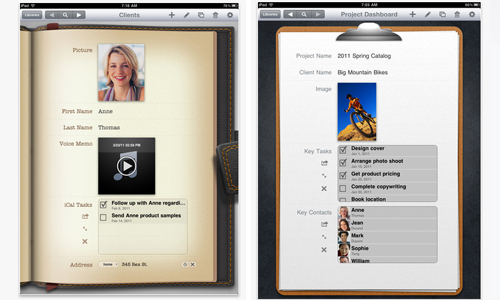
Bento
A personal database where you can organize contacts, track projects, plan events and manage things.
Download Source
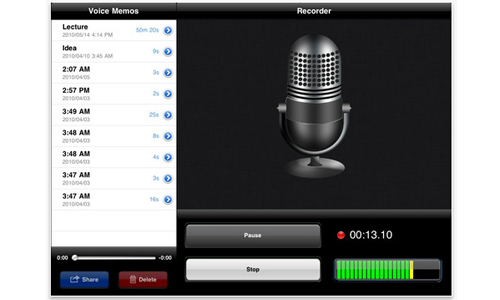
Voice Memos
You can continue working on anything else while you are recording important things at the same time.
Download Source
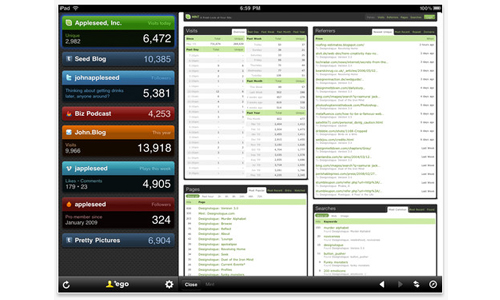
StatCounter
If you want to monitor what is going on with your site, use this app to get updated of your web stats.
Download Source
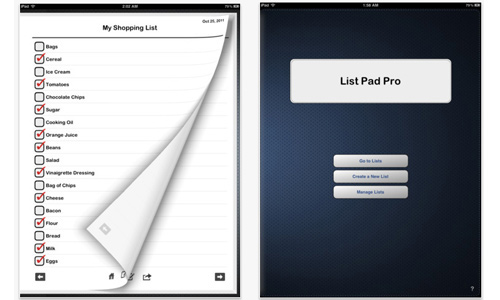
Wunderlist
Create a list to help you have better task management and keep track of it through this app.
Download Source
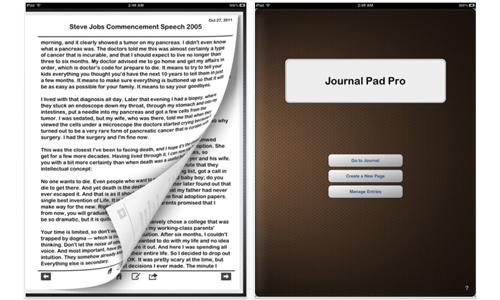
iDo Notepad
If you would like to keep some notes, a journal or a diary, this app can surely help you.
Download Source
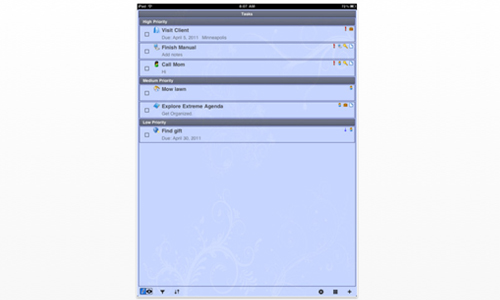
Extreme Reminders
Be reminded of all your daily tasks to make sure that you won’t skip any of your important activities using Extreme Tasks.
Download Source
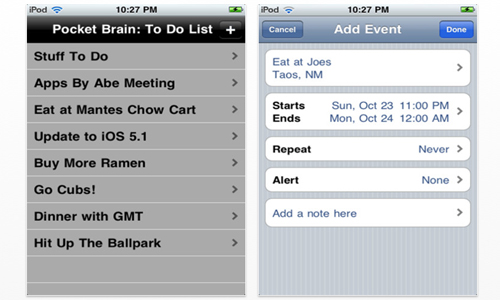
Pocket Brain
A simple to do list that syncs with the built in calendar in your iPad.
Download Source
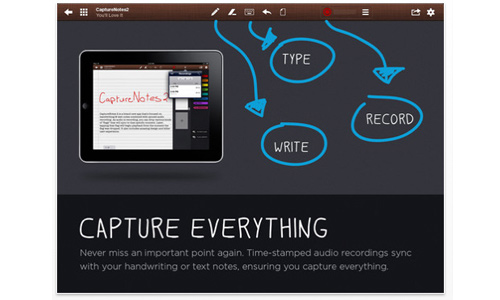
Capture Notes 2
Aside from taking down notes, you can also do some recording with this application.
Download Source
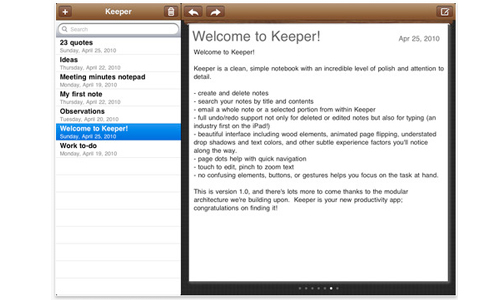
Jot It Down
Sticky Notes Just Got “Smart” Access every thought, note, idea and detail in just a second or two.
Download Source
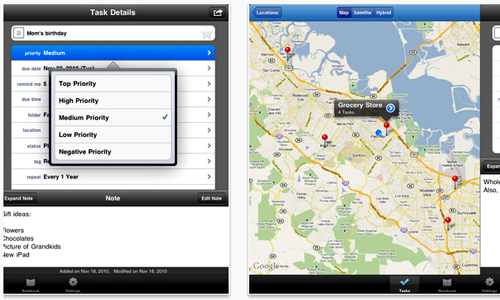
Toodledo
You can easily manipulate your list with Toodledo. This will give a feeling of using a paper planner and you will also be impressed to know that you can personalize its look and feel.
Download Source
Productivity apps are certainly important aids in order to finish some vital tasks faster that usual. Since you could save time, you will have more time for other tasks or maybe for relaxation. Choose the right iPad productivity app for you and get it from the App Store.




Yes, it is! I personally use dropbox and it is very useful to me. As well as my co-workers are using it for business transactions and sharing of files.
Toodle-do is a great tool for me to list down all the reminders that I need to be accomplished in a day and in a week. Instead of using a daily planner I would recommend this for you to use. It is easy and very beneficial.
Amazing applications! I like this. Thanks for recommending this to me. I need this in my ipad.
Amazing applications! cool dude! :p
I will highly recommend the Fuze Meeting HD application to my co-staff where we can hold a meeting online and we can easily discuss the agenda.
Great! This applications is one of the latest trend in the world of information and communication technology that’s the reason why that business process outsourcing is increasing in different countries today.
I like the capture notes application. I don’t need to bring my notepad and take note everything during our meeting.
Whew, pocket brain is not that expensive I will try to use it in my ipad. This is interesting!
Yes, Pocket Brain is quite affordable.
As alternative to Webex you can implement iFastviewer too for conferencing
Yey! Great list!
Keeped HD is a good one. I’ve tried using that on my friend’s iPad. 😀
Thanks for posting this great list of suggestions. Are there new good apps for iPhone 4S?
Great and helpful stuff to keep my mind still into work despite distance
Journal Pad Pro is the best for me.. and it’s affordable.
Will go over the list again and finally decide which ones to choose.. thank you so much for the idea!
I just started my site. Ego would be best for me. Thanks for this list!
Now this is a great list for me to get through! I’m sharing this with friends and i’m sure they’d love the idea!
Yeah. I agree that productivity matters. Thanks to gadgets! Thanks to Apple! lol
I agree with Nicole!
A round of applause for your article post.Really looking forward to read more. Awesome.